





College of Engineering
College of Engineering
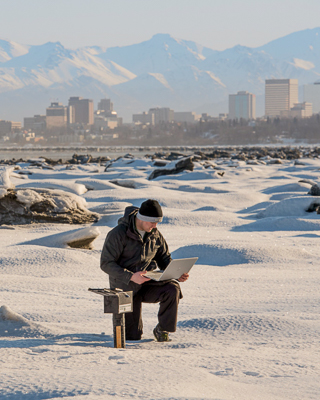
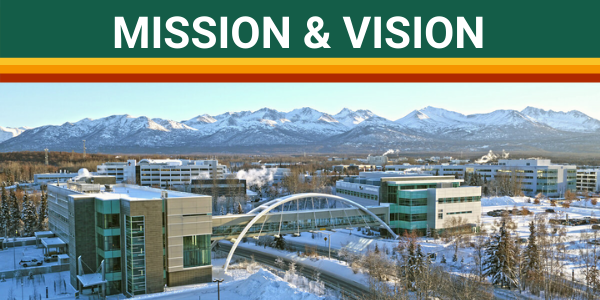
At the University of Alaska Anchorage, you can pursue your dream of becoming an engineer, computer scientist, or project manager while living in Anchorage--the business, industrial, cultural, and recreational center of Alaska. Located near all major Alaskan employers of engineering, computer science, and project management talent, 74% of our job-seeking students have jobs before they graduate!
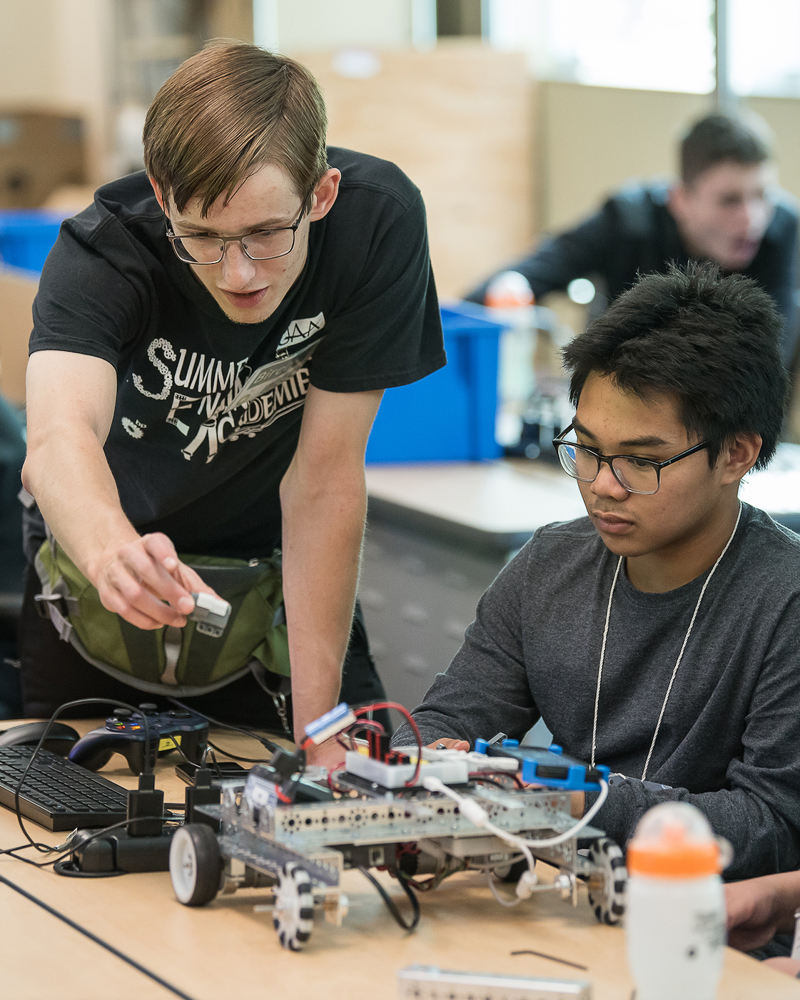
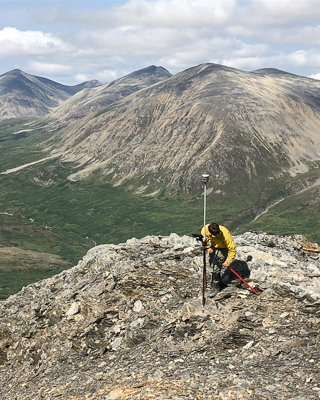
As an undergraduate, you can pursue Bachelor's degrees in Civil, Mechanical, Electrical, Computer Systems Engineering, Computer Science, or Geomatics (Surveying and Mapping), and graduate degrees Project Management, Mechanical, or Civil Engineering. We also offer collaborative degrees in Mining and Geological Engineering, and a PhD in Engineering with the University of Alaska Fairbanks.
The Alaska Department of Labor has projected the state will need 627 new computer and engineering professionals by 2030 -- requiring two new hires for every one that retires. UAA's College of Engineering is committed to producing cutting-edge graduates ready to energize the state's growing engineering community.

-
September 25, 2025 Sister act: Building community together
Building our community is the theme for this year’s Alumni Homecoming Luncheon, UAA’s largest alumni event. Few speakers embody that theme better than civil engineering alumni — and sisters — Melissa Branch and Stephanie Mormilo. For more than two decades, they have literally helped to build Anchorage, shaping both the city’s infrastructure and the professional community that supports it.
-

Engineering alumnus maps pathway to surveying success and hall of fame
July 29, 2024“The work that I do is about infrastructure support,” said Buchanan. “Roads, utilities, water, sewer, rail and people — all of which are vital to Alaska.”
On May 3, 2024, surveying and mapping alumnus Steve Buchanan was inducted into the UAA College of Engineering (CoEng) Alumni Hall of Fame, which honors the professional accomplishments and contributions of exceptional CoEng graduates.
-

Solving the unknown with infinite possibilities
April 2, 2024Between earning his undergraduate degree and starting graduate study, rather than take a well-deserved break, mechanical engineering alumnus Lawrence Giron Jr. participated in not one, but two prestigious NASA internships back to back. -
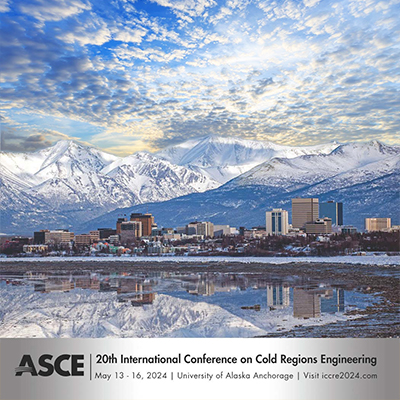
International Conference on Cold Regions Engineering (ICCRE)
March 8, 2024The College of Engineering at UAA invites you to attend the 20th International Conference on Cold Regions Engineering (ICCRE) to be held in Anchorage, Alaska, on May 13-16, 2024.
This conference is being organized by ASCE's Cold Regions Engineering Division (CRED) and aims at connecting engineers, academics, and cold regions experts from various disciplines to share their knowledge and experience. The conference theme is Sustainable and resilient engineering solutions for changing cold regions. -
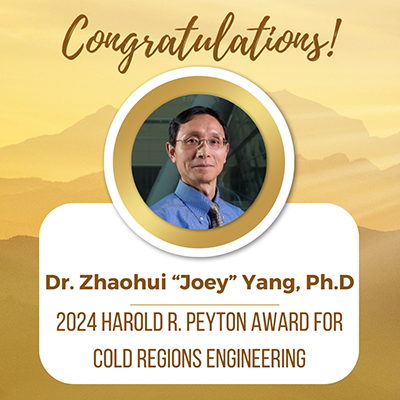
Dr. Yang receives 2024 Harold R. Peyton Award for Cold Regions Engineering
January 29, 2024Congratulations to Dr. Zhaohui “Joey” Yang, Ph.D., M. ASCE, who has been selected by ASCE’s Cold Regions Engineering Division (CRED) to receive the 2024 Harold R. Peyton Award for Cold Regions Engineering for his outstanding contributions to cold regions engineering, most notably research efforts associated with improving the seismic design of bridge foundations in frozen ground. -
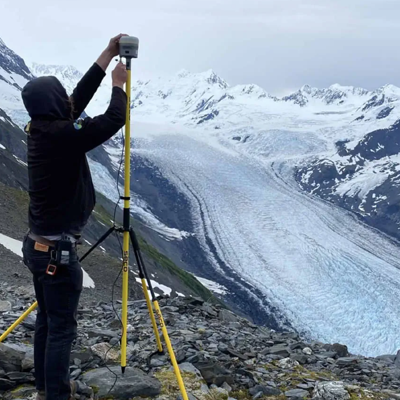
DNR, UAA Partner on Global Navigation Satellite System
October 19, 2023"By hosting the DNR GNSS reference station on our campus, UAA remains at the forefront of geospatial education and research, equipping our students to become trailblazers in this dynamic field’ said Dr. Kenrick Mock, Dean of the College of Engineering, University of Alaska Anchorage. “We are excited about the positive impact this collaboration will have on our community and the state of Alaska." -

UAA researcher senses a solution to pipeline corrosion
May 22, 2023On the North Slope there are thousands of small pipes that ultimately come together to feed into the big one — the Trans-Alaska Pipeline. Each of those pipes are a potential hazard, especially as they experience the effects of air, water and chemistry over long periods of time. Even in the cold of the Arctic, pipes will eventually succumb to corrosion — the natural chemical process that transforms refined metals into oxides.
That’s where Oleg Shiryayev, Ph.D., assistant professor of mechanical engineering in UAA’s College of Engineering, comes in.
-

Energy awareness app earns two ACEP students prestigious award
April 18, 2023
This morning when you made your coffee, did you stop and wonder how much of that electricity came from wind, solar, hydro or natural gas? It can be daunting trying to track that down. Not for long! Two UAA Computer Science seniors are busy developing an app that will track where your coffee pot is getting its electricity from.
-
 PacTrans receives USDOT $15M renewal award
February 23, 2023
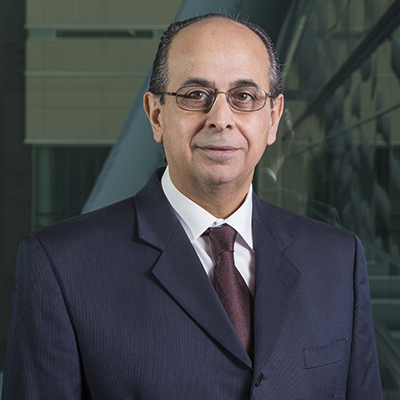
The USDOT just awarded a $15 million renewal grant to the Pacific Northwest Transportation Consortium (PacTrans), of which UAA is a partner along with Portland State University, University of Idaho, Washington State University, and led by the University of Washington. The Northwest Indian College will also serve as an education and outreach partner. CoEng's own Dr. Abaza heads the UAA engineering team as PacTrans leads the nation into the future of transportation infrastructure research and development.
-
Liquid earth: UAA researchers study earthquake models
November 29, 2022
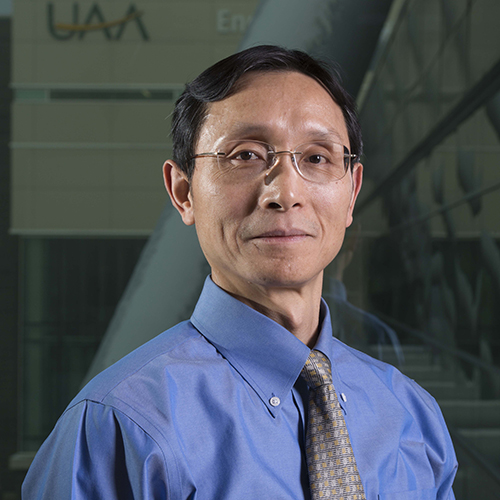
In 2002, a large earthquake (Mw=7.9) struck in the Alaska Range near Tok, inflicting severe infrastructure damage to two sites: the Tok Cutoff highway near the Slana River and the Northway Airport by the Canadian border. This may sound like old news, but in UAA’s College of Engineering, researchers are still uncovering valuable findings from this disaster — findings that may help the Alaska Department of Transportation & Public Facilities (AKDOT&PF) better prepare for future earthquakes.
Read More UAA Engineering Stories