




Career Services
Welcome to
UAA Career Services
We offer career advising, job and internship opportunities, professional development resources, and networking events to help students and alumni explore their options and prepare for what comes next.
Career Advising
Our advisors are happy to provide career guidance and support. We can help you discover
possible paths, build your resume, answer career-related questions, and much more.
Meet with us virtually or in-person!


Jobs & Internships
Discover hundreds of jobs and internships, get customized job recommendations based
on your interests, and connect with your favorite employers on Handshake, UAA's job board and networking platform.
Career Fairs & Events
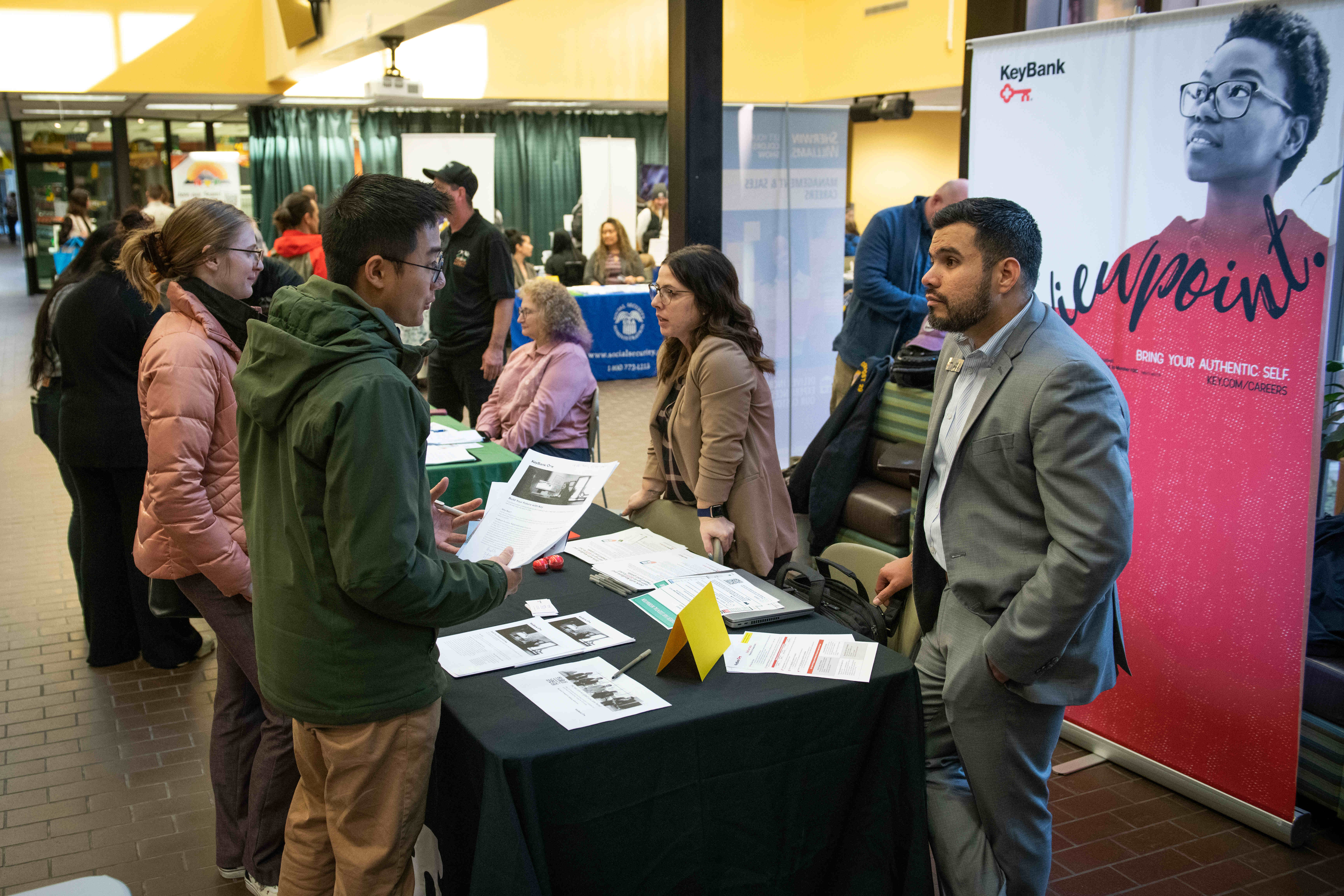
We host a career fair each semester and a variety of other events and programs. Attend
our events to network with employers looking to hire UAA students and to hone your
professional development skills!

Resource Library
Visit our resource library for guides, samples, and templates on various career-related
topics. Learn how to write a resume or cover letter, get prepared for your next interview,
explore major and career options, and much more!
Career Services Sponsors
Thank you to our annual sponsors! Career Services sponsors help us provide meaningful engagement opportunities for UAA students and alumni. To learn more about sponsorship opportunities email us at uaa_career@alaska.edu.
Location
Avis Alaska Sports Complex 142 (entrance on the ground floor of the Student Union)
Hours
Monday - Friday
9 am - 5 pm (AKT)
Contact Info
Email: uaa_career@alaska.edu
Phone: 907-786-6913