





AI@UAA
AI Listening Session · Dec. 2
Help shape AI@UAA. Bring your questions and ideas to an AI@UAA listening session with Aaron Dotson, Vice Chancellor for Research, Innovation and Economic Development, on Wednesday, Dec. 2, 3:30-5 p.m., in Consortium Library Room 307. Can’t attend? Share your feedback by emailing uaa_or@alaska.edu.
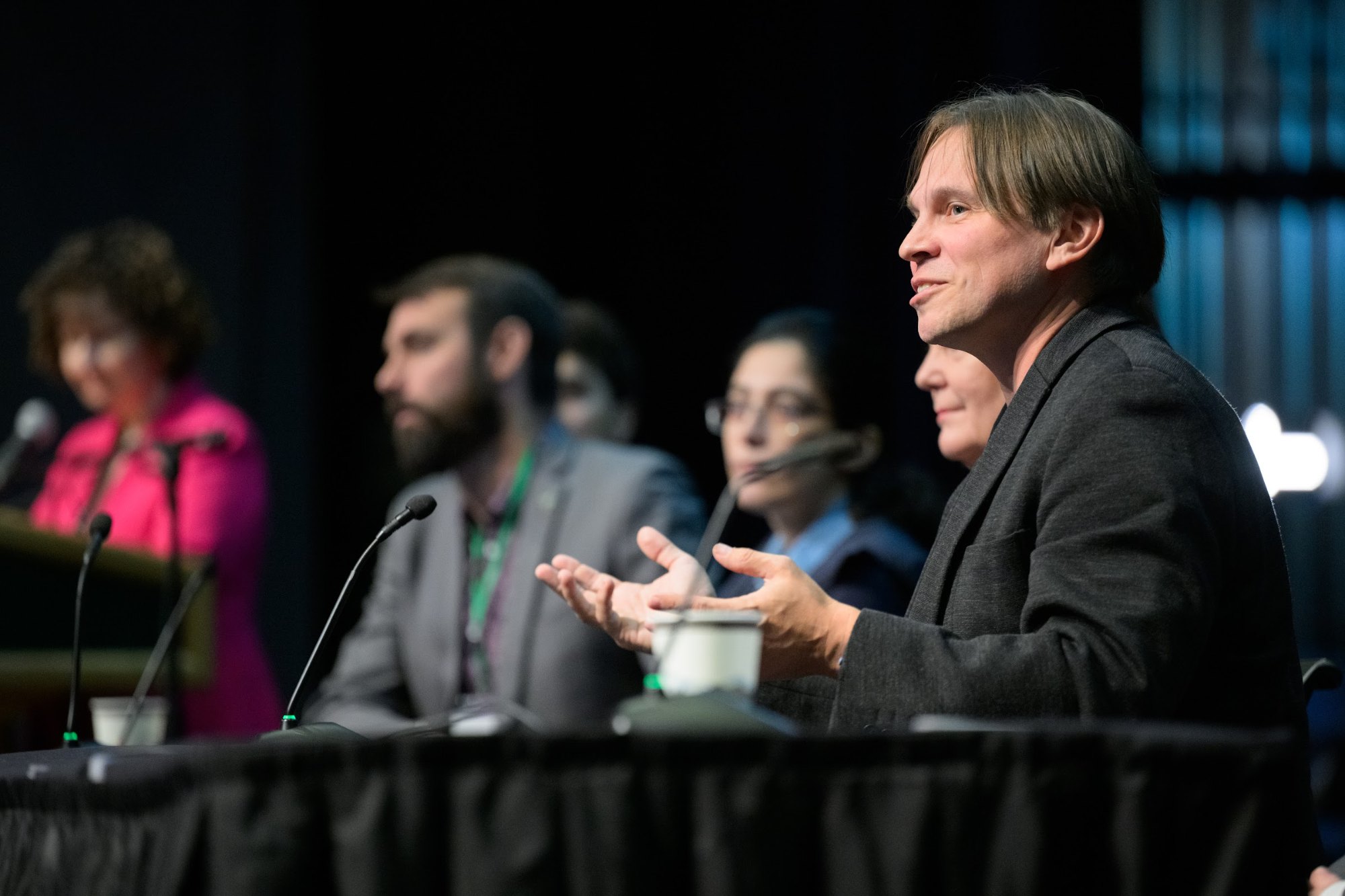
Photo: James Evans, UAA
A shared pathway for innovation at UAA
AI@UAA is a university-wide effort to decide, together, how the university uses AI and will continue to integrate it into teaching, learning, research and daily operations. It builds on the work faculty, staff and students are already doing and is the first initiative of UAA’s new Leveraging Innovative Frameworks and Technology Center, also known as LIFT, a new Office of Research center that will coordinate AI work across the university.
Read the Tasking AI@UAA document (PDF) Read Chancellor Siemers’ LIFT Center charter letter (PDF)
Start your journey here
Pages for each are coming soon.
Timeline
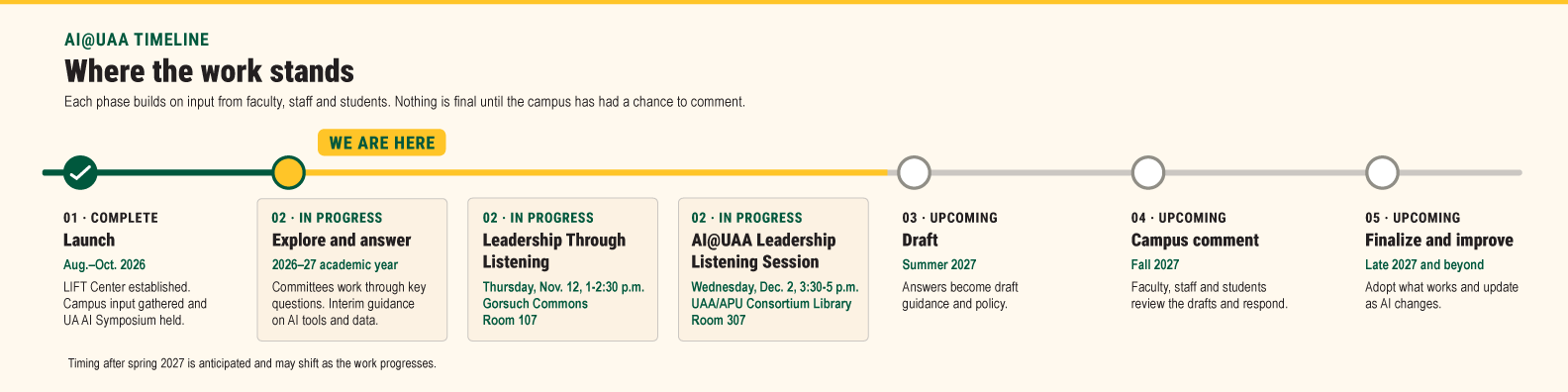
How AI@UAA works
AI@UAA is organized around six themes, focusing on areas from teaching and research to everyday work. Working within each of the six themes, existing faculty, staff and student committees and groups work together to address how the university should integrate AI and ensure that work in every theme protects university and personal data. If additional groups are needed outside of existing university committees, the Office of Research will consider them.
Six themes
- AI in academics
- AI in access, support and security
- AI in research and creative activity
- AI in business operations
- AI in day-to-day work
- UAA’s role in AI in and for Alaska
Learn more about each theme, its key questions and the committees involved in the full Tasking AI@UAA document (PDF).
The LIFT Center connects the committees’ work on the six focused themes. LIFT ensures the committees work together on a shared timeline and organizes their recommendations before presenting to university leadership.
Who decides
The LIFT Center does not make decisions or put recommendations into effect. Each theme has a Responsible Officer, a senior university officer such as the provost for decisions associated with AI for academics. A recommendation only takes effect when that leader approves it through the university’s standard governance process, which includes Faculty Senate, Staff Council or the Union of Students of the University of Alaska Anchorage (USUAA) where those groups have a role. Responsible Officers are not required to accept a recommendation.
What AI can I use right now?
Everyone with a UA account can use these AI tools at no cost through the University of Alaska’s Google, Microsoft and Zoom agreements. Each one includes data protection assurances for UA users.
Google Gemini
AI chat assistant, included with your UA Google account.
Sign in with your UA credentials. Also available as a mobile app.
Microsoft Copilot
AI chat assistant powered by OpenAI models, included with your UA Microsoft account.
Sign in with your UA credentials. Works best in Microsoft Edge; also available as a mobile app.
Zoom AI Companion
Meeting summaries and smart recording in Zoom, managed by UAF Nanook Technology Services.
Available in UA Zoom meetings. Review transcripts and summaries before relying on them.
Good to know
- Sign in with your UA account. The data protections apply only when you use these tools through your UA login, not a personal account.
- ChatGPT and other tools: If you are not using a UA-authorized tool, such as a personal ChatGPT account, your data is not protected by UA’s agreements. Microsoft Copilot gives you access to OpenAI models with enterprise data protection.
- Premium versions: Faculty and staff can purchase Gemini Education Premium or Microsoft Copilot Pro for added features, such as working inside Docs, Gmail, Word, Excel and PowerPoint. Contact your IT help desk for details and purchasing.
- Office of Research team accounts: The Office of Research manages Claude and ChatGPT team workspaces. UAA faculty and staff can request a seat, billed monthly to their department org/fund, by emailing uaa_or@alaska.edu.
- What data can go in: Check the UA GenAI Tool Risk Assessment before entering sensitive information, such as student records, health information or research data.
More AI guidance and resources
UA GenAI tools and how to use themGenAI Tool Risk Assessment (PDF)
UAA-specific interim guidance on AI tools and data is being developed through AI@UAA.
AI@UAA in action
Stories, events and other places where AI is being used at UAA.
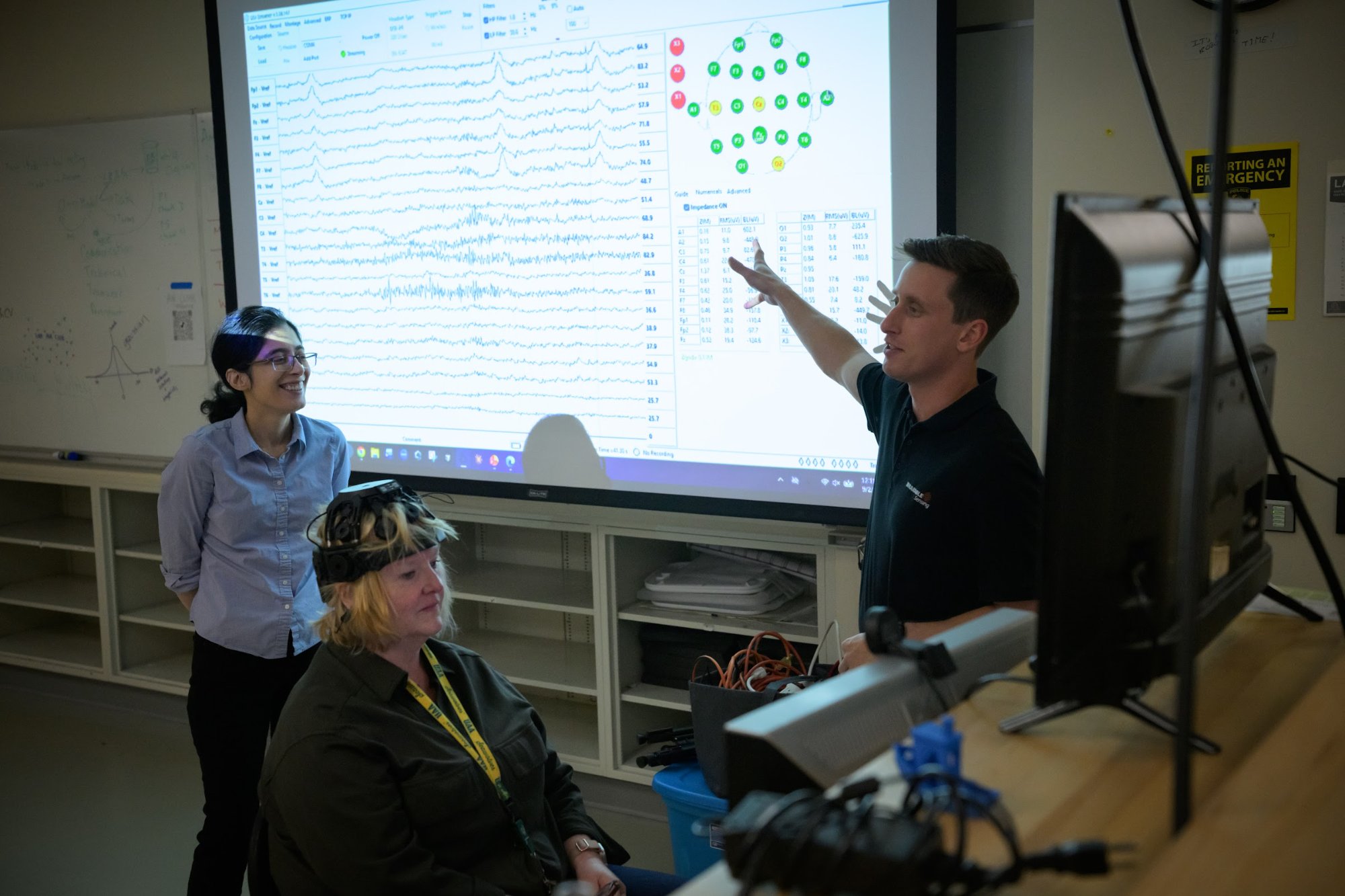
Photo: James Evans, UAA
Sept. 9, 2026
New EEG system supports AI and brain research
The College of Engineering’s AI and Robotics Lab added a wearable EEG system for research on brain activity, brain-computer interfaces and AI methods for interpreting brain signals.
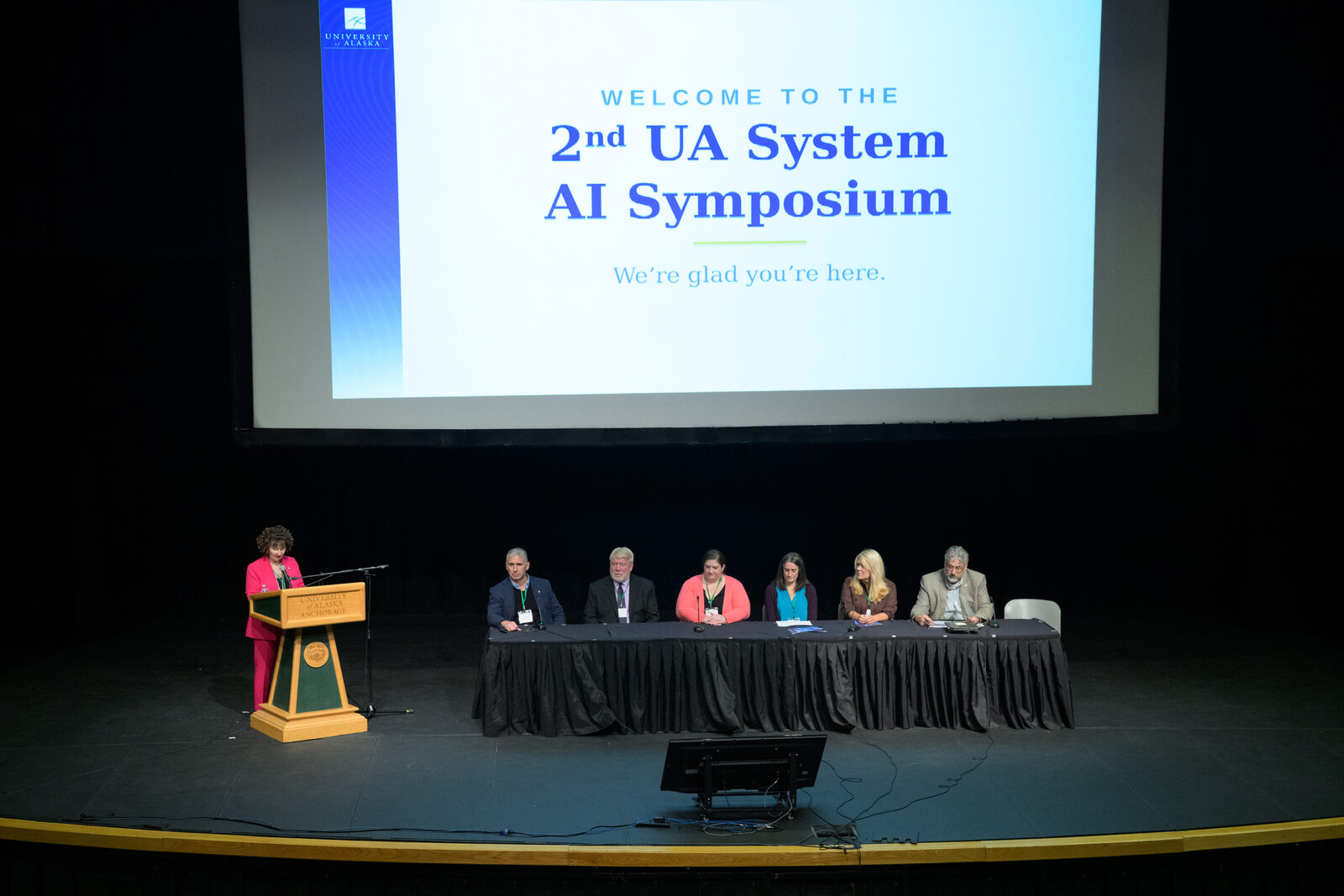
Photo: James Evans, UAA
Sept. 2026
UAA hosts the UA AI Symposium
UAA hosted the second University of Alaska AI Symposium in the Wendy Williamson Auditorium, with keynote speaker Bryan Alexander, panels and a Student and Faculty AI Innovation Showcase.
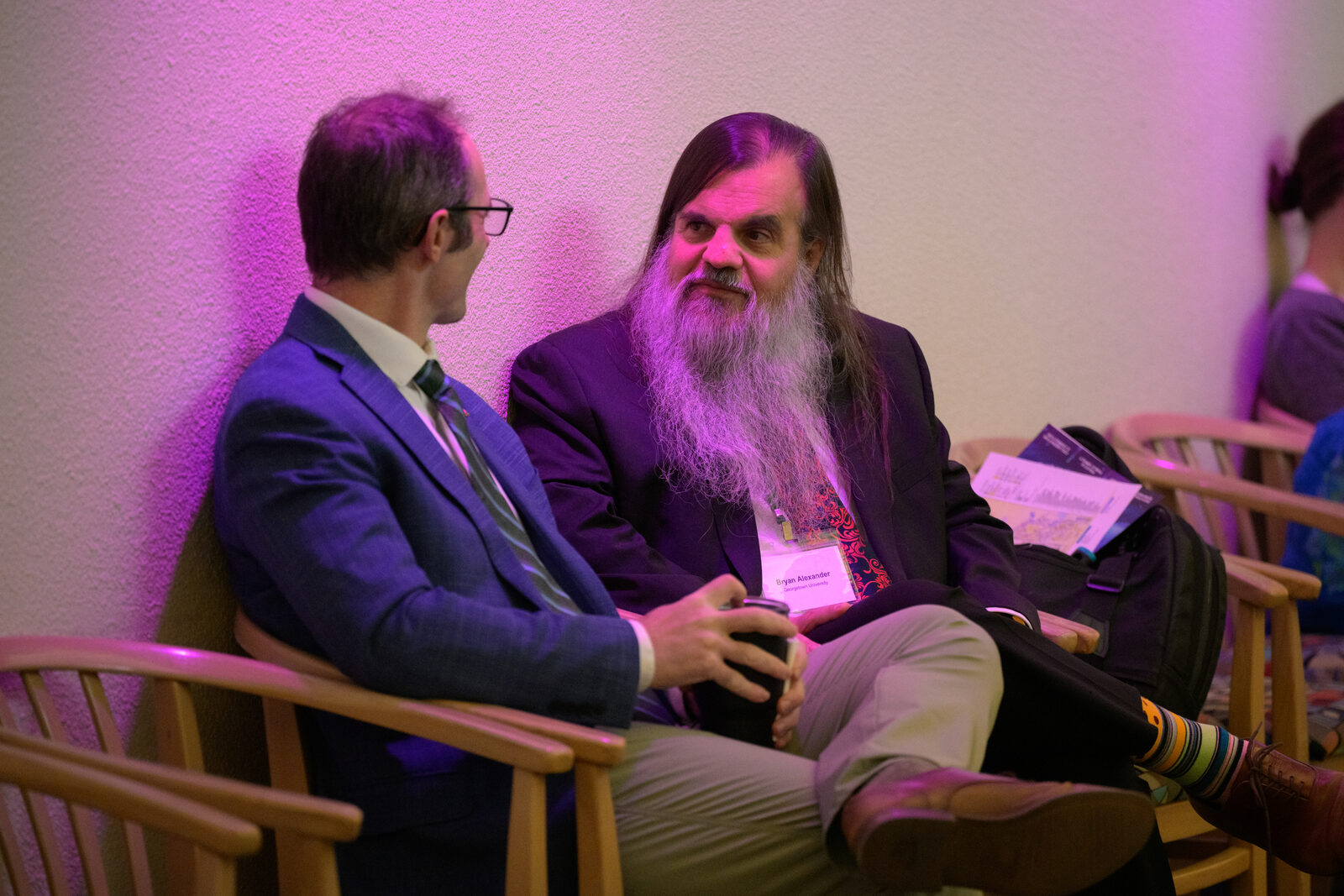
Photo: James Evans, UAA
Oct. 14, 2026
LIFT introduced to UAA faculty
Aaron Dotson introduced LIFT and AI@UAA at an open round-table of the Faculty Research & Creative Activity Working Group, hosted by the Office of Research.
Have an idea or concern?
Wondering how to get involved in AI@UAA? Whether you have an idea, proposal, want to share feedback or learn how to join a committee, we’d like to hear from you.